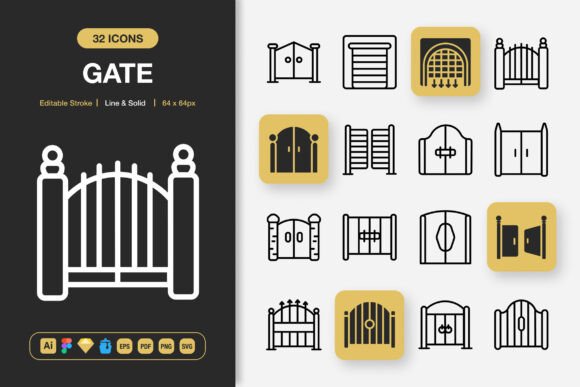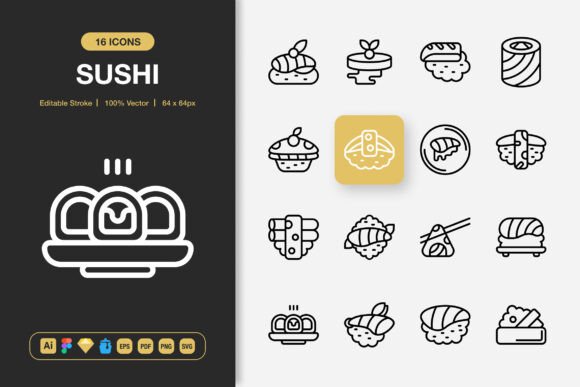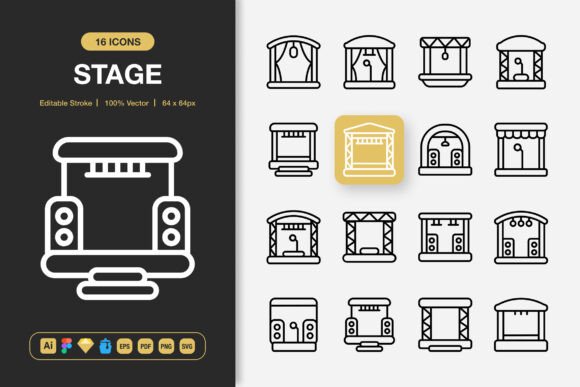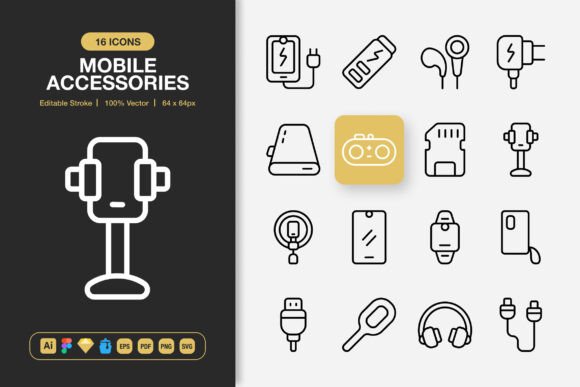
Radiation Icons: The Minimalist Design Asset for Your Next Creative Leap
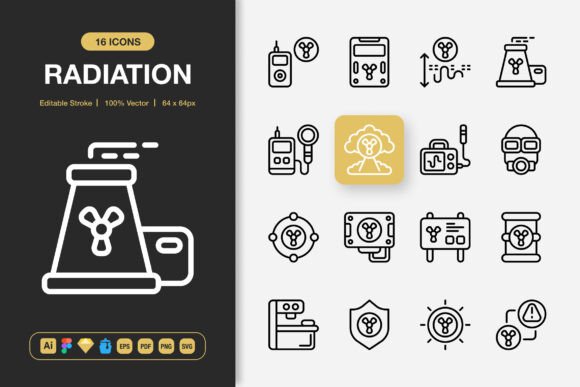
Every creative project, from a simple website update to a full-blown marketing campaign, has that moment where you need visual shorthand. You need something to guide a user, indicate a function, or simply add a touch of polished clarity. That’s where a well-designed icon set steps in, not as a decorative afterthought, but as a fundamental piece of your project’s communication. Radiation Icons is built specifically for that role—a comprehensive set of high-quality, minimalist icons designed to integrate seamlessly wherever your work takes you.
More Than Just Pictures: The Universal Toolkit
Think about the last time you downloaded an icon. Maybe it was for a button in an app, or a graphic for a social media post. Often, you find one that looks okay on screen but prints poorly, or an SVG file that’s impossible to tweak without specialized software. The frustration is real. Radiation Icons approaches this from the perspective of the actual user. It’s not a locked-down graphic pack; it’s a toolkit. The editable stroke feature means the style isn’t just a static look. If your brand uses slightly thicker lines or a softer corner radius, you can adjust the icons to match, maintaining consistency across all your materials. This level of customization turns generic assets into branded elements.
The inclusion of multiple file formats speaks directly to how people work today. A developer building a mobile app needs the PNGs at specific pixel sizes—from 32px for tiny interface elements to 512px for high-resolution displays. A graphic designer laying out a flyer or poster wants the vector EPS or SVG files to scale infinitely without quality loss. A UX designer working in a modern interface tool needs the Figma, Sketch, or Illustrator source files to modify and integrate directly into their mockups. By providing the Adobe Illustrator source file, Figma file, Iconjar file, Sketch file, EPS, PDF, SVG, and PNGs at seven specific sizes, Radiation Ions removes the technical friction. You get the right file for your specific task, every time.
Where Minimalism Meets Maximum Utility
The minimalist design of Radiation Ions isn’t just a stylistic choice; it’s a functional one. Clean, uncluttered icons perform better. They load quickly on websites, remain legible on small mobile screens, and don’t distract from the core message in an infographic or educational booklet. This versatility opens up a wide array of realistic use cases.
A freelance blogger might use them to create a cleaner, more professional-looking series of tutorial posts, using icons to break up long text and highlight key takeaways. A small business owner creating a flyer for a local event can drag and drop relevant icons—for location, time, ticket information—to design a compelling layout quickly, even without deep design skills. An educator preparing digital learning materials can incorporate icons to make instructions more intuitive for students. A marketer crafting a banner ad or social media campaign needs visual consistency; using the same icon set across a Facebook post, an email header, and a website banner creates a cohesive brand experience that feels polished and trustworthy.
Changing the Course of Everyday Projects
Consider the hobbyist publishing a digital book or guide. Previously, sourcing or creating icons might have been a major roadblock. With Radiation Ions, they have a ready-made library they can legally use across their project. The easy drag and drop nature of the files, coupled with the included readme for guidance, makes it accessible. The outcome is a more professional-looking final product that enhances readability and user engagement.
For a team working on a mobile app, the scenario is different but the benefit is similar. The designers can use the source files in their collaborative Figma workspace to prototype the interface. The developers receive the exported PNGs in the exact sizes they need for iOS and Android, ensuring crisp rendering on all devices. This streamlined workflow, powered by a single consistent asset pack, saves hours of conversion, resizing, and quality-checking. The outcome is a faster development cycle and a more polished app interface.
What to Consider Before You Integrate
Adopting any new design resource should be a thoughtful decision. With Radiation Ions, the primary consideration is scope. Does its minimalist style align with your project’s visual tone? If you’re working on a medieval fantasy game interface, perhaps not. But for the vast majority of modern digital and print communication—websites, apps, business materials, social content, publications—this clean style is not only appropriate but advantageous. It conveys clarity and confidence.
You should also think about your own workflow. The value of the multiple file formats is immense if you or your team switch between different software. If you only ever use one tool, you might not need every format, but having the source vector file (like the Illustrator or SVG) is crucial for future flexibility. The 100 icons are customizable, but assess if the specific symbols cover the functions you need—common actions like upload, download, settings, communication, and navigation are typically well-represented in such sets, but niche topics might require supplemental graphics.
Ultimately, Radiation Ions is designed for those who value efficiency without sacrificing quality. It’s for the creator who wants to move from idea to execution smoothly, for the professional who needs reliable assets that scale across mediums, and for the everyday user looking to elevate their personal projects with a touch of expert design. It turns the often tedious task of sourcing graphics into a simple, one-time solution, freeing you to focus on the bigger creative picture. When your icons are consistent, scalable, and adaptable, your entire project feels more cohesive and intentional. That’s the real outcome—not just adding icons, but enhancing communication.